

Introduction
Navigating the complex landscape of finance requires more than just numerical expertise; it demands proficiency in the tools that facilitate financial management. For finance professionals transitioning from Excel to Google Sheets, mastering essential spreadsheet shortcuts is not merely beneficial - it’s transformative. This article explores ten vital shortcuts that can elevate mundane data tasks into efficient processes, ultimately saving time and enhancing accuracy. But what occurs when these shortcuts become second nature? Can they genuinely redefine how finance experts tackle their daily responsibilities?
ShortieCuts: Master Excel Shortcuts in Google Sheets
Transform Your Spreadsheet Experience with ShortieCuts
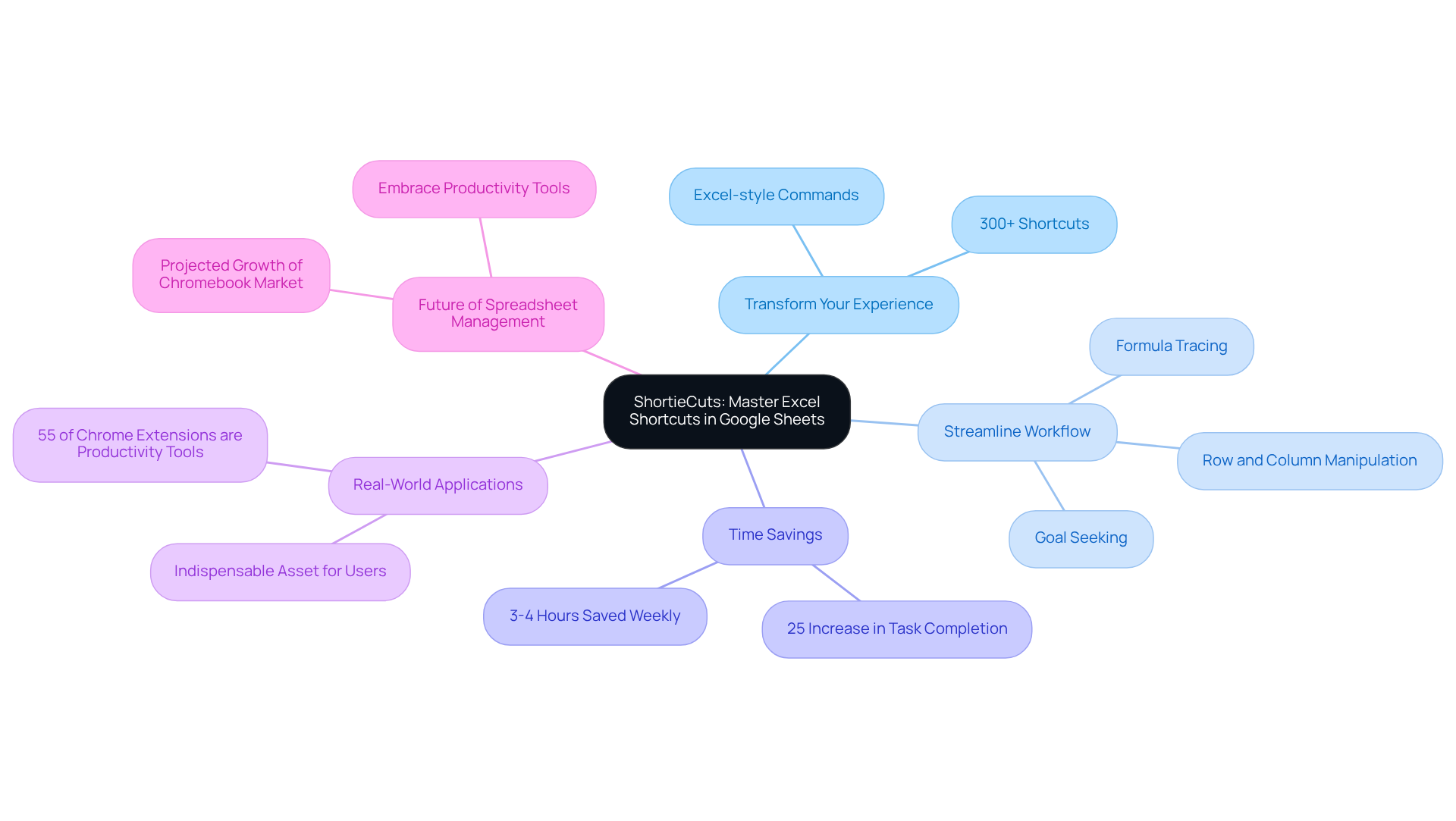
Are you a finance professional struggling to transition from Excel to Google Sheets? Look no further. ShortieCuts is a groundbreaking Chrome extension that seamlessly integrates over 300 spreadsheets shortcuts and Excel-style commands directly into Google Sheets, making your shift not just easier, but more efficient.
Streamline Your Workflow
ShortieCuts replicates familiar Excel functionalities, allowing you to perform tasks like formula tracing, row and column manipulation, and goal seeking with ease. This tool enhances productivity, ensuring a seamless workflow that lets you focus on what truly matters. Imagine completing your tasks quickly and efficiently, leveraging shortcuts you already know.
Experience Remarkable Time Savings
The impact of ShortieCuts is significant. Users report a remarkable increase in task completion rates - up to 25% - and save an impressive 3 to 4 hours each week. As content expert Priya Bhalla notes, productivity applications can save individuals approximately 3-4 hours weekly, underscoring the importance of tools like ShortieCuts.
Real-World Applications
Real-world applications of ShortieCuts illustrate how replicating Excel functionalities in Google Sheets not only boosts efficiency but also fosters a more comfortable user experience. With productivity extensions accounting for over 55% of all Chrome extensions, ShortieCuts emerges as an indispensable asset for anyone engaged in tasks that utilize spreadsheets shortcuts.
Join the Future of Spreadsheet Management
As the global Chromebook industry is projected to reach a valuation of $14.7 billion in 2025, now is the time to embrace tools that enhance your productivity. Don’t miss out on the opportunity to transform your spreadsheet experience. Try ShortieCuts today and unlock your full potential!
Ctrl + C: Efficiently Copy Data
Unlock Efficiency with Ctrl + C in Google Sheets
In the fast-paced world of finance, time is money. The Ctrl + C combination is not just a shortcut; it’s one of the powerful spreadsheets shortcuts for swiftly duplicating selected information in Google Sheets. For accounting professionals who frequently reproduce content across various cells or sheets, mastering this technique is essential.
Why It Matters
Consider this: financial experts dedicate over nine hours each week to manual data entry tasks. This staggering statistic underscores the urgent need for effective methods like Ctrl + C. By incorporating this simple shortcut into their daily practices, professionals can significantly reduce time spent on repetitive tasks, allowing for a more seamless workflow.
The Benefits of Mastery
As one expert aptly noted, "Mastering Google Sheets’ techniques can save precious time." This highlights the critical role that shortcuts play in enhancing productivity. By leveraging spreadsheets shortcuts such as Ctrl + C, finance professionals can greatly improve their data entry efficiency, ultimately freeing up valuable time for strategic endeavors.
Take Action
Don’t let manual entry bog you down. Embrace the power of Ctrl + C and transform your workflow today. The time you save can be redirected towards more impactful tasks, driving your success in the financial sector.

Ctrl + V: Seamlessly Paste Data
Streamline Your Workflow with Ctrl + V in Google Sheets
The Ctrl + V command is a game-changer for anyone looking to enhance their efficiency in Google Sheets. For finance professionals, who often juggle multiple sheets and applications, this function is not just useful - it's essential. By using this simple command, you can insert copied information exactly where you need it, eliminating unnecessary mouse clicks and significantly improving your workflow.
Unlock More with ShortieCuts
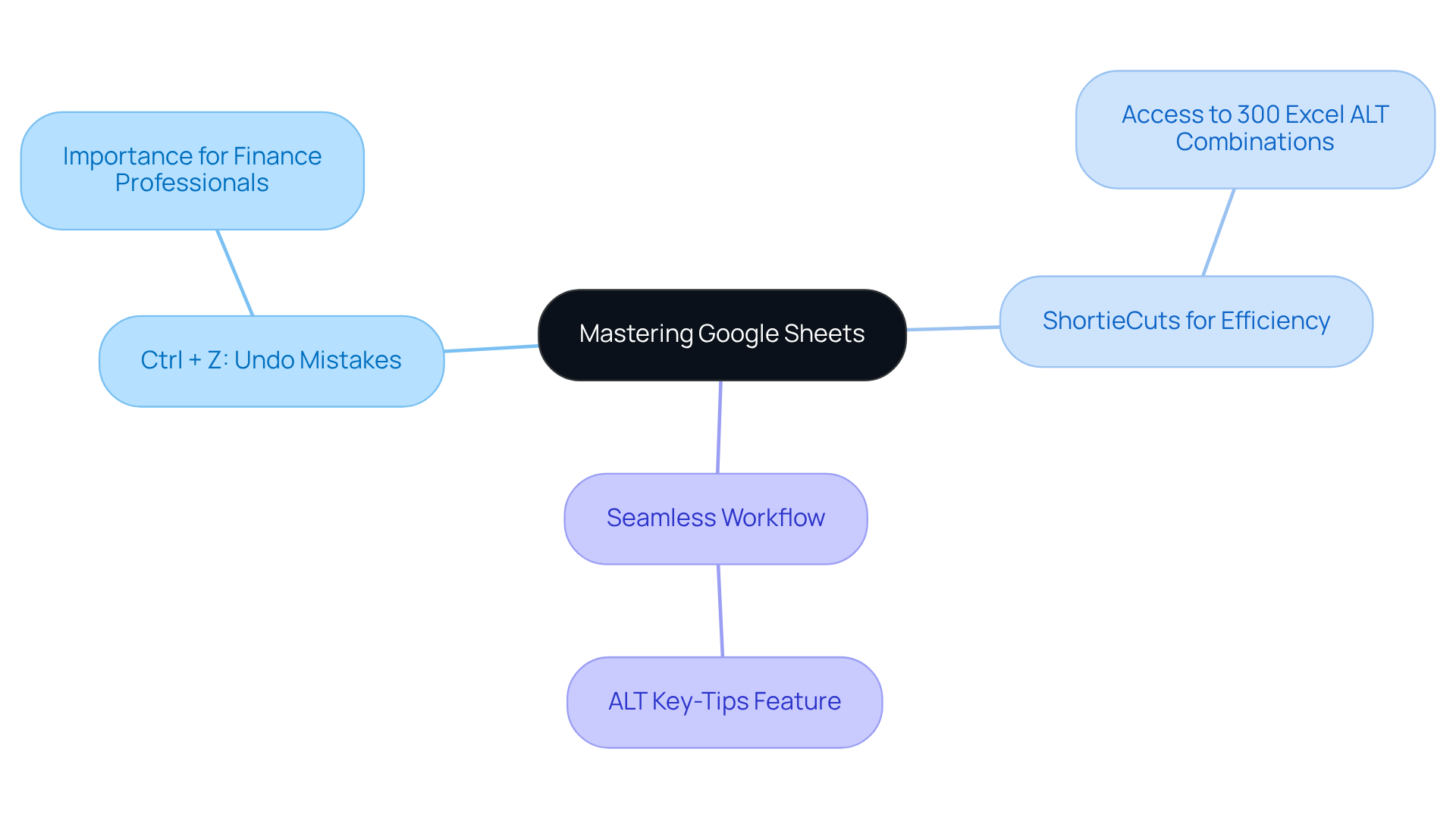
But why stop there? With the ShortieCuts extension, you gain access to over 300 Excel ALT key combinations tailored specifically for Google Sheets. Imagine the time you could save! Just press the 'ALT' key (or Option on Mac), and key-tips will appear in the corner of your screen, guiding you through a variety of quick commands designed to boost your efficiency even further.
Experience the Benefits
Implementing these tools not only streamlines your data management but also empowers you to work smarter, not harder. By integrating the Ctrl + V command and utilizing spreadsheets shortcuts in your daily routine, you can focus on what truly matters - making informed financial decisions.
Take Action Now
Don’t let inefficiency hold you back. Start using Ctrl + V and explore the capabilities of ShortieCuts today. Your productivity will thank you!

Ctrl + Z: Quickly Undo Mistakes
Use english for answers
Master Your Google Sheets with Ctrl + Z
The Ctrl + Z combination is a powerful tool that allows users to swiftly reverse their most recent actions in Google Sheets. For finance professionals, who often navigate complex formulas and extensive data sets, this feature is invaluable. It enables you to effortlessly undo errors, ensuring your spreadsheets remain precise and reliable.
Unlock Greater Efficiency with ShortieCuts
But why stop there? With the ShortieCuts extension, you gain access to over 300 Excel ALT combinations, further enhancing your efficiency. Imagine the time saved and the accuracy gained by utilizing these quick methods. To make the most of these shortcuts, refer to the manual included with the ShortieCuts extension.
Seamless Workflow Awaits
Simply press 'ALT' (or Option on Mac), and key-tips will appear in the corner of your screen. This feature offers a seamless combination of spreadsheets shortcuts and quick commands designed to elevate your workflow in Google Sheets.
Are you ready to transform your spreadsheet experience? Embrace these tools and watch your productivity soar.
Ctrl + Y: Redo Actions Instantly
Unlocking Efficiency with Ctrl + Y
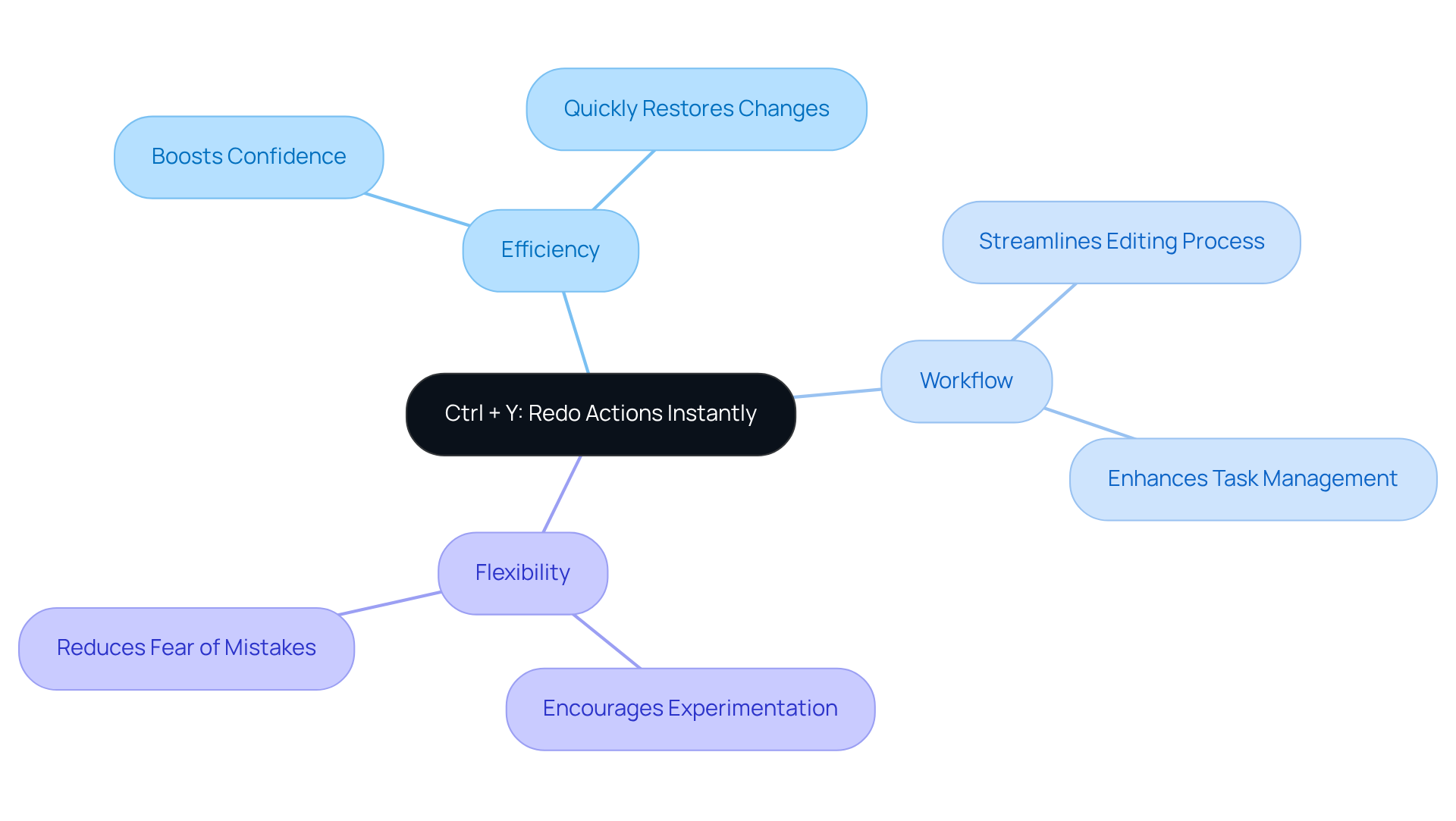
In the fast-paced world of finance, the ability to quickly redo an action is crucial. The Ctrl + Y shortcut empowers professionals to instantly reinstate changes that were previously undone. This functionality is not just a convenience; it’s a vital tool for finance experts who frequently reassess their data manipulations.
Streamlining Your Workflow
Mastering the Ctrl + Y function streamlines the editing process, allowing for a more efficient workflow. It boosts confidence in managing spreadsheets shortcuts, allowing professionals to navigate their tasks with ease. Statistics reveal that a significant number of individuals regularly utilize undo/redo functions, underscoring their importance in maintaining workflow efficiency.
Flexibility in Information Management
For financial experts, the ability to swiftly reinstate modifications fosters a flexible approach to information management. This flexibility encourages experimentation with adjustments, alleviating the fear of making lasting mistakes. In high-stakes environments, where accuracy and adaptability are paramount, this capability becomes particularly beneficial.
Take Action Today
Embrace the power of the Ctrl + Y shortcut and transform your data management practices. By integrating spreadsheets shortcuts into your routine, you can enhance your efficiency and confidence in handling complex financial data with this simple yet effective tool.
Ctrl + Arrow Keys: Navigate Large Datasets
Unlocking Efficiency in Google Sheets
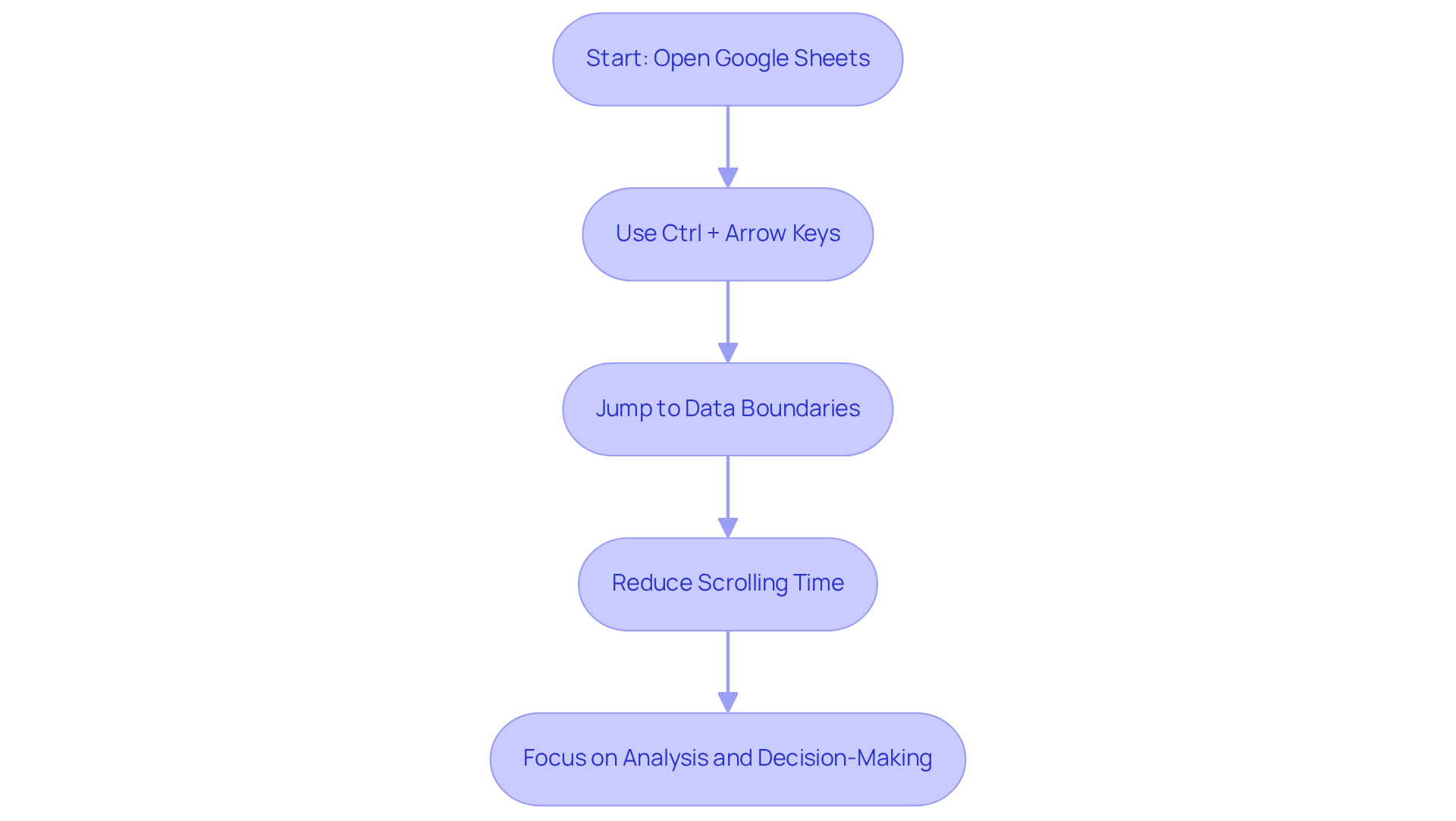
Navigating extensive datasets in Google Sheets can be a daunting task, especially for financial experts managing thousands of rows of data. The combination of Ctrl + Arrow Keys is one of the powerful spreadsheets shortcuts, allowing users to leap quickly to the boundaries of information areas. This method significantly reduces scrolling time, enabling professionals to concentrate on essential analysis tasks. By mastering spreadsheets shortcuts, users can simplify navigation and focus on deriving insights rather than feeling overwhelmed by the sheer volume of information.
Streamlined Navigation for Financial Professionals
For finance experts, utilizing Ctrl + Arrow Keys to swiftly reach the last entry in a column or row is a game changer. This efficiency not only accelerates data input but also enhances assessment capabilities by utilizing spreadsheets shortcuts. As one analyst noted, "the ability to move through data swiftly transforms how we approach analysis, allowing for quicker decision-making."
Immediate Benefits in Real-World Scenarios
Consider the analysis of quarterly financial reports. Using spreadsheets shortcuts like Ctrl + Arrow Keys enables professionals to jump directly to key figures, facilitating quick comparisons of metrics without unnecessary delays. In fast-paced environments, where timely insights are crucial for strategic planning and operational efficiency, this capability proves invaluable.
Take Action Now
Embrace the power of Ctrl + Arrow Keys in your data navigation strategy. By implementing this shortcut, you can enhance your productivity and focus on what truly matters-making informed decisions based on accurate data.
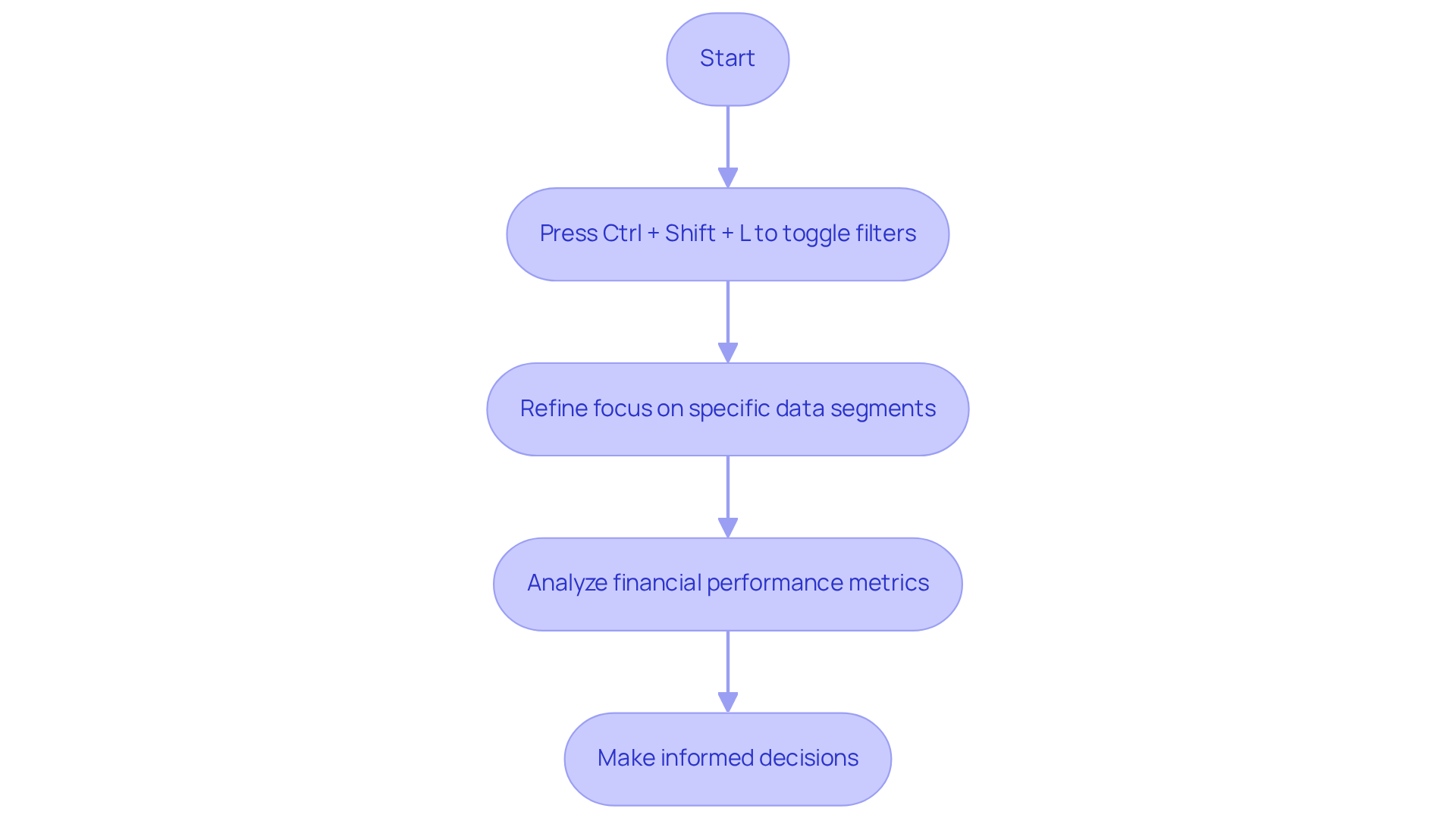
Ctrl + Shift + L: Toggle Filters for Data Analysis
The Ctrl + Shift + L combination is a powerful feature in Google Sheets, enabling users to switch filters on and off with ease. This functionality is crucial for finance professionals who often sift through extensive datasets to extract relevant information quickly. By employing this method, individuals can effectively refine their focus on specific segments of data, thereby enhancing their analytical skills.
For instance, when analyzing financial performance metrics, applying filters provides a clearer view of trends and anomalies, facilitating informed decision-making. Additionally, with ShortieCuts, users can access over 300 Excel ALT key combinations specifically designed for Google Sheets. Simply press 'ALT' (or Option on Mac), and key-tips will appear in the corner of your screen, guiding you through various techniques that can enhance your workflow.
This step-by-step guide to using ALT combinations not only complements the Ctrl + Shift + L key combination but also boosts overall productivity. As Piyanka Jain, a data science expert, emphasizes, "Everybody needs information literacy, because knowledge is everywhere. It’s the new currency; it's the language of business." Mastering spreadsheets shortcuts, such as Ctrl + Shift + L and the extensive ALT combinations accessible through ShortieCuts, can significantly enhance information insights, making the analysis process quicker and more efficient.
Adopting such data analysis techniques is essential for professionals in the financial sector who seek to enhance their efficiency and simplify their workflows.
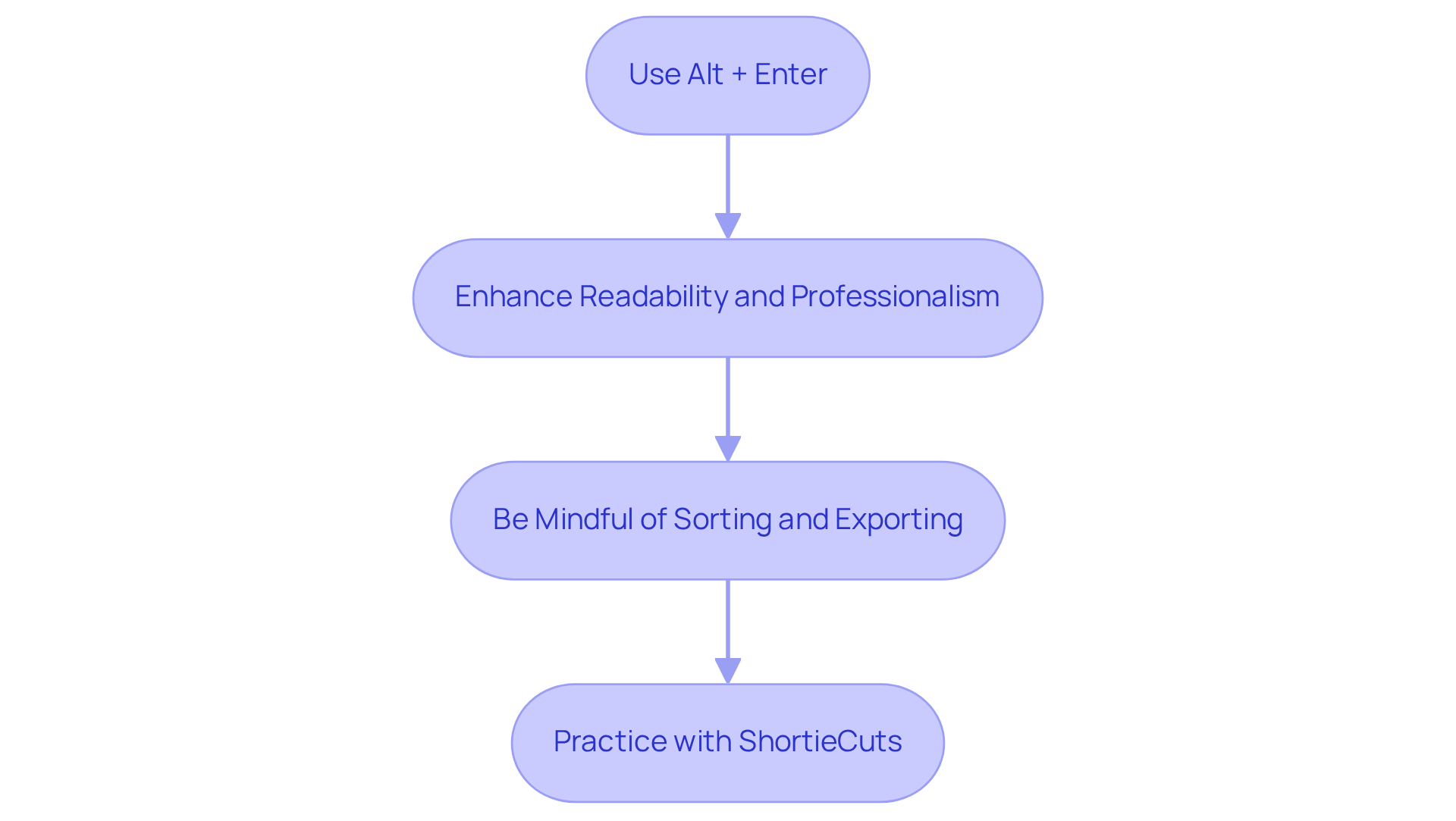
Alt + Enter: Add Line Breaks in Cells
Unlock the Power of Line Breaks in Google Sheets
The Alt + Enter combination is an essential tool for finance professionals looking to insert line breaks within a cell in Google Sheets. This feature is particularly beneficial for consolidating multiple pieces of information - like notes or detailed descriptions - into a single cell.
Enhance Readability and Professionalism
With the ShortieCuts extension, mastering this shortcut not only boosts the readability of your spreadsheets but also elevates their professionalism. Imagine transforming cluttered data into structured, visually appealing reports that communicate financial insights clearly. As finance experts emphasize, incorporating line breaks significantly enhances the presentation of financial information, ensuring critical details are easily accessible and understandable.
Be Mindful of Sorting and Exporting
However, it’s crucial to recognize that line breaks can affect sorting and filtering in Excel, which is vital for effective information management. Additionally, when exporting spreadsheets to formats like CSV, line breaks may be lost. Therefore, it’s wise to keep this in mind when sharing your work.
Take Action: Practice with ShortieCuts
To experience the benefits of the Alt + Enter combination with ShortieCuts, try consolidating notes or descriptions in a sample spreadsheet. You’ll see how it enhances clarity and professionalism while ensuring your data remains private and secure.
By implementing these strategies, you can significantly improve the way you present financial information, making your spreadsheets more functional and impactful through the use of spreadsheets shortcuts.
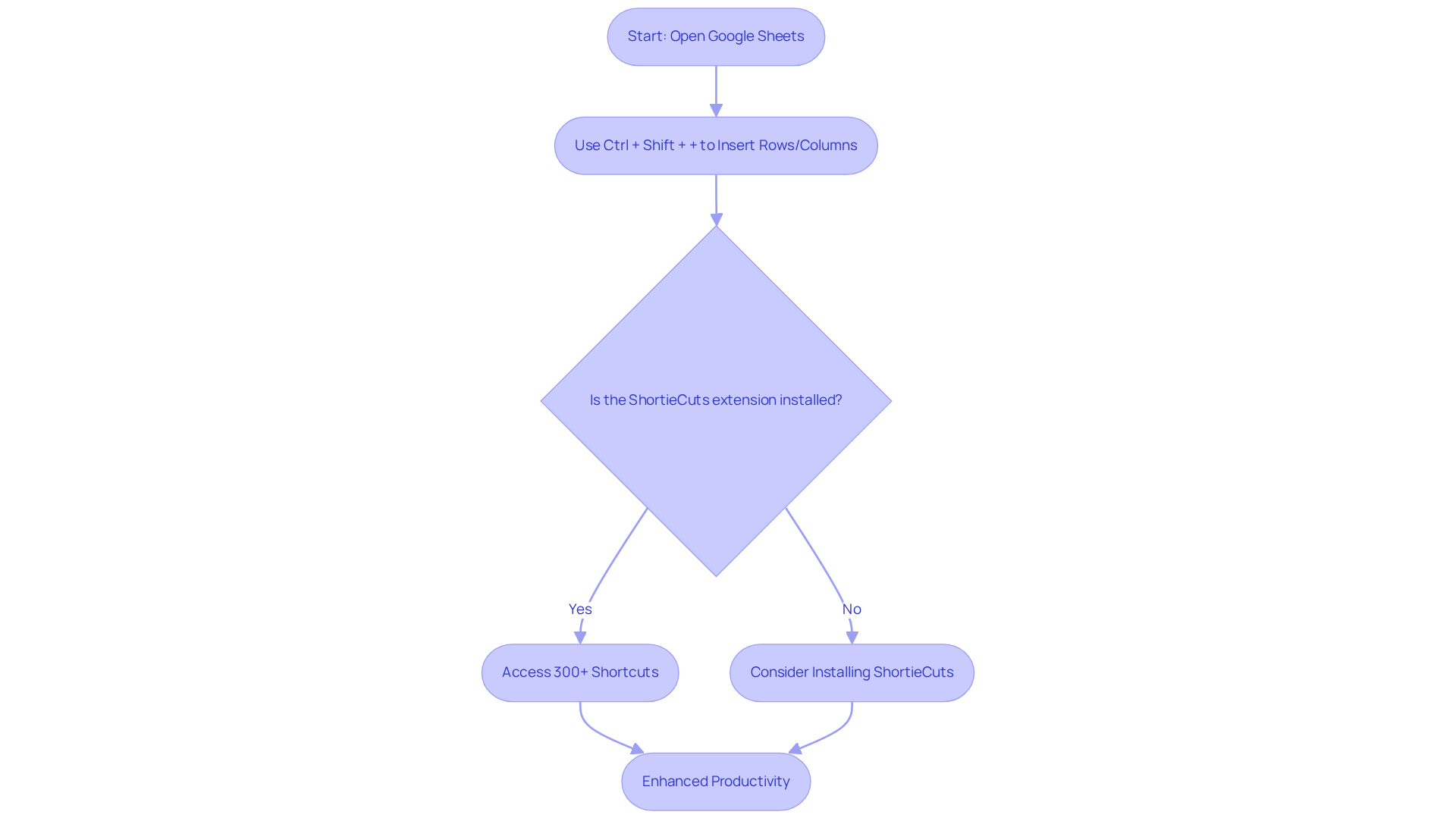
Ctrl + Shift + +: Insert Rows or Columns Quickly
Enhance Your Google Sheets Experience
Managing datasets in Google Sheets can be a daunting task, especially for finance experts who often need to expand their spreadsheets. The Ctrl + Shift + + combination offers a quick solution, allowing users to add new rows or columns effortlessly. This essential feature not only streamlines workflow efficiency but also helps keep spreadsheets organized and up-to-date.
By adopting these spreadsheets shortcuts, you can minimize disruptions and concentrate on what truly matters: your analysis. Imagine spending less time on manual formatting and more time deriving insights from your data.
Moreover, with the ShortieCuts extension, financial professionals can access over 300 Excel ALT key combinations directly in Google Sheets. This powerful tool saves you time on repetitive tasks, enabling you to work smarter, not harder. Simply hit 'ALT' (or Option on Mac), and key-tips will appear in the corner of your screen, guiding you through the available shortcuts.
Take Action Now
Don't let tedious formatting slow you down. Embrace these spreadsheets shortcuts and elevate your productivity in Google Sheets today!
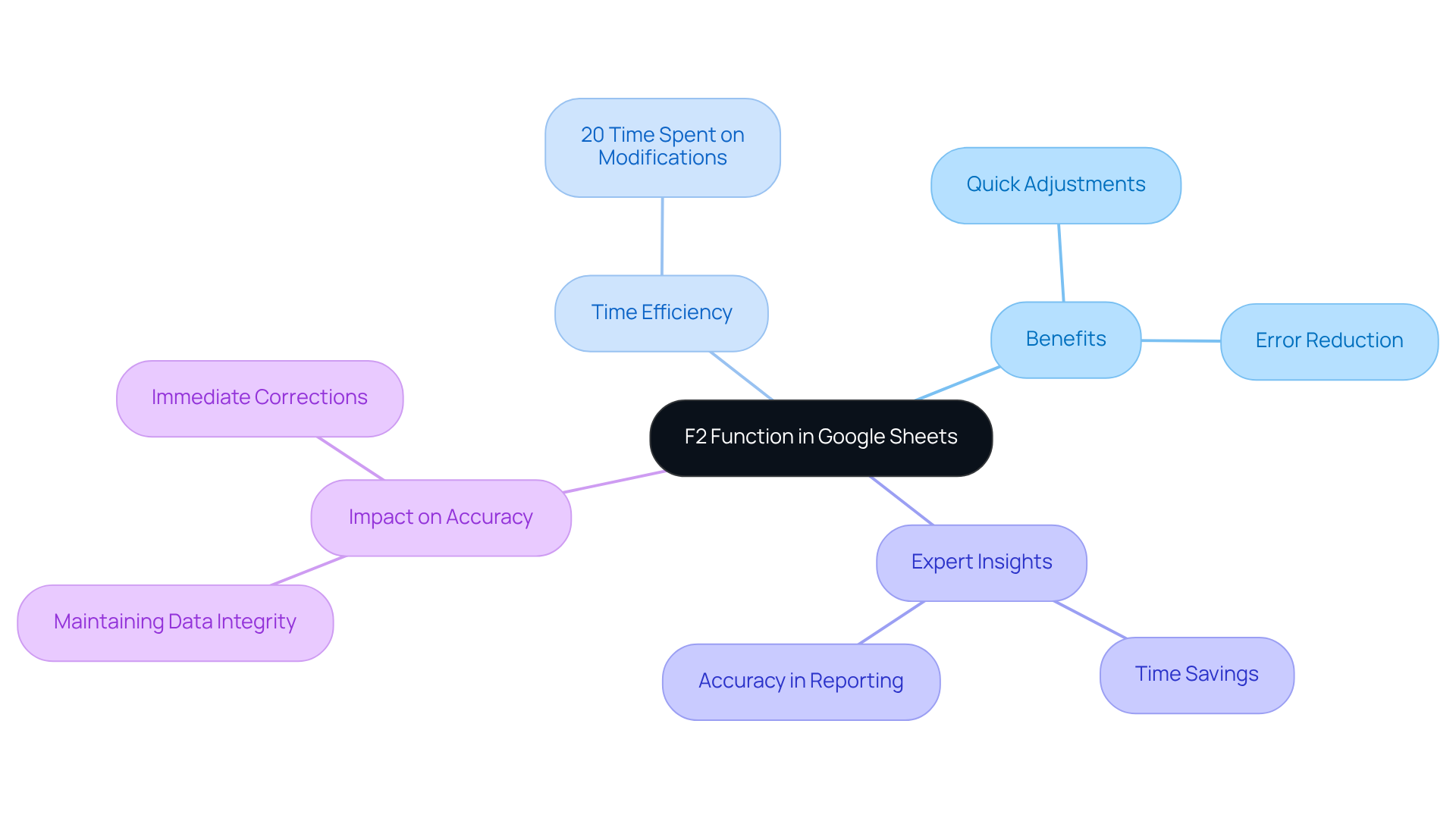
F2: Edit Cells Directly for Quick Adjustments
Pressing F2 is a game-changer for financial professionals, allowing them to modify the currently selected cell directly in Google Sheets. This feature is particularly advantageous for those who frequently need to make quick changes to their information or formulas. Did you know that research indicates financial specialists spend an average of 20% of their time modifying data with spreadsheets shortcuts? This statistic underscores the critical need for efficiency in this domain.
By mastering the F2 function, users can significantly enhance their productivity. Imagine ensuring that your spreadsheets maintain the highest level of accuracy with just a simple keystroke. As one finance expert aptly noted, "The ability to make quick adjustments using F2 not only saves time but also reduces the risk of errors in financial reporting." The spreadsheets shortcuts streamline the editing process, allowing for immediate corrections and updates, which is crucial for maintaining the integrity of financial data.
Incorporating the F2 function into your workflow is not just about saving time; it's about elevating your entire approach to data management. Embrace this powerful tool and watch your efficiency soar.
Conclusion
Mastering spreadsheet shortcuts is essential for finance professionals looking to boost productivity, especially when transitioning from Excel to Google Sheets. Tools like ShortieCuts not only replicate familiar Excel functionalities but also streamline workflows, significantly reducing the time spent on repetitive tasks. By leveraging shortcuts such as Ctrl + C, Ctrl + V, and Ctrl + Z, users can navigate and manipulate data with remarkable efficiency, allowing them to focus on strategic financial analyses.
Key shortcuts have been highlighted throughout this article, showcasing their practical applications in everyday tasks. From quickly copying and pasting data to navigating large datasets and editing cells directly, these techniques empower finance experts to work smarter. The benefits of adopting these shortcuts extend beyond mere convenience; they foster a more organized and professional presentation of financial information.
In today’s fast-paced financial environment, utilizing these essential spreadsheet shortcuts is not just a luxury but a necessity. Embracing tools like ShortieCuts and mastering these techniques can lead to significant time savings and improved accuracy in data management. As the financial landscape continues to evolve, adopting efficient practices will be crucial for success.
Take action now - transform your spreadsheet experience and unlock your full potential in the world of finance.
Frequently Asked Questions
What is ShortieCuts and how does it help users transition from Excel to Google Sheets?
ShortieCuts is a Chrome extension that integrates over 300 spreadsheet shortcuts and Excel-style commands into Google Sheets, making the transition from Excel easier and more efficient for users, particularly finance professionals.
How does ShortieCuts improve workflow in Google Sheets?
ShortieCuts replicates familiar Excel functionalities, allowing users to perform tasks like formula tracing, row and column manipulation, and goal seeking, enhancing productivity and enabling a seamless workflow.
What kind of time savings can users expect from using ShortieCuts?
Users report an increase in task completion rates by up to 25% and save approximately 3 to 4 hours each week by using ShortieCuts, according to productivity expert Priya Bhalla.
Why are productivity extensions like ShortieCuts important?
Productivity extensions account for over 55% of all Chrome extensions, and tools like ShortieCuts boost efficiency and create a more comfortable user experience for those working with spreadsheets.
What is the significance of the Ctrl + C shortcut in Google Sheets?
Ctrl + C is a powerful shortcut for quickly duplicating selected information in Google Sheets, crucial for finance professionals who frequently reproduce content, thereby reducing time spent on manual data entry.
How much time do financial experts spend on manual data entry tasks?
Financial experts dedicate over nine hours each week to manual data entry tasks, highlighting the need for effective shortcuts like Ctrl + C to improve efficiency.
What are the benefits of mastering shortcuts like Ctrl + C in Google Sheets?
Mastering shortcuts such as Ctrl + C can significantly enhance productivity by reducing time spent on repetitive tasks, allowing professionals to focus on more strategic endeavors.
What is the function of the Ctrl + V command in Google Sheets?
Ctrl + V allows users to seamlessly paste copied information into Google Sheets, improving workflow by eliminating unnecessary mouse clicks and facilitating efficient data management.
How does ShortieCuts enhance the use of the Ctrl + V command?
With ShortieCuts, users can access over 300 Excel ALT key combinations tailored for Google Sheets, providing additional shortcuts that further boost efficiency in data management.
What should users do to improve their productivity in Google Sheets?
Users are encouraged to embrace shortcuts like Ctrl + C and Ctrl + V, and to explore the capabilities of ShortieCuts to enhance their productivity and streamline their workflows.