

Overview
This article highlights essential shortcuts in Excel that finance professionals can leverage to enhance their productivity while working in Google Sheets. It underscores that these shortcuts, enabled by the ShortieCuts extension, simplify tasks such as:
- Data entry
- Formatting
- Navigation
As a result, users transitioning from Excel to Google Sheets can experience up to a 30% improvement in efficiency. By adopting these tools, finance professionals can significantly elevate their workflow and effectiveness.
Introduction
In the fast-paced world of finance, efficiency is paramount. The tools that professionals utilize can significantly impact their performance. As Google Sheets emerges as a powerful alternative to Excel, finance experts are compelled to adapt and find ways to sustain their productivity on this new platform. This article explores nine essential shortcuts that not only streamline operations but also leverage familiar Excel commands, enabling users to navigate Google Sheets with confidence. How can mastering these shortcuts transform everyday tasks and enhance overall productivity in financial analysis? Discover how these tools can redefine your approach to efficiency and effectiveness.
ShortieCuts: Streamline Google Sheets with Excel Shortcuts
ShortieCuts is a powerful Chrome extension that incorporates over 300 Excel-style key combinations into Google Sheets, significantly enhancing the productivity of finance professionals working with spreadsheets. By mirroring familiar Excel functionalities, ShortieCuts enables users to execute tasks swiftly, effectively minimizing the learning curve associated with new commands. This advantage is particularly pronounced for those engaged in financial modeling and data analysis, as it streamlines operations and reduces interruptions during the transition from Excel to Google Sheets.
Case studies reveal that users have reported a remarkable 30% improvement in productivity when utilizing ShortieCuts. This enhancement allows them to leverage their existing knowledge of Excel commands to navigate Google Sheets effortlessly. The extension not only facilitates quick access to essential functions such as formula tracing and goal seeking but also features a user-friendly color palette that aids in keyboard-only navigation, further optimizing workflow.
Overall, ShortieCuts transforms the Google Sheets experience, making it an indispensable resource for financial experts who aim to boost their productivity.

Excel Shortcut: Insert New Row with Ctrl + Shift + +
To insert a new row in Google Sheets using ShortieCuts, press Ctrl + Shift + +. This straightforward method streamlines the process of adding rows, allowing financial experts to maintain their workflow while revising financial models or reports. Rapid modifications to data sets minimize interruptions during input, which is crucial for sustaining focus on analysis. Research indicates that finance professionals can save an average of 30% of their time on entry tasks by employing keyboard techniques, significantly enhancing overall efficiency.
When utilizing ShortieCuts, key tips appear in the corner of your screen, guiding you through the available quick commands. Specialists in the field emphasize that mastering such techniques not only boosts efficiency but also fosters a more organized approach to financial information management. Embrace ShortieCuts to elevate your productivity and streamline your financial operations.

Excel Shortcut: Format Cells with Ctrl + 1
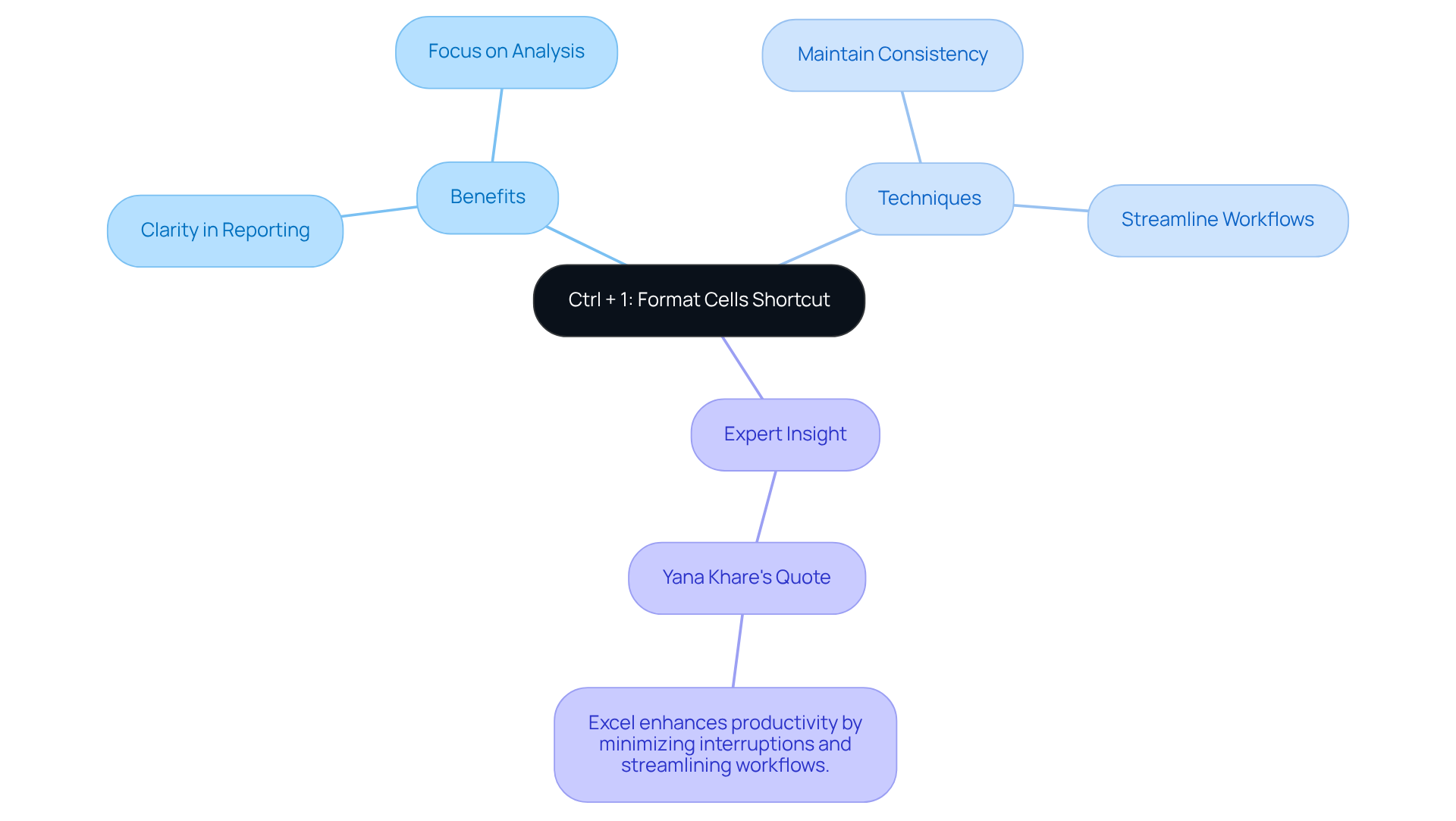
Utilizing Ctrl + 1 activates the Format Cells dialog in Google Sheets, allowing users to customize the presentation of their data. This efficient method is vital for financial professionals who must organize numbers, dates, and text to ensure clarity and professionalism in their reports. By optimizing the formatting process, users can concentrate more on analysis rather than presentation.
Furthermore, financial experts frequently employ formatting techniques to maintain consistency across their spreadsheets, ensuring that critical information stands out. As Yana Khare emphasizes, 'Excel techniques enhance productivity by minimizing interruptions and streamlining workflows,' underscoring the importance of effective formatting in financial reporting.
Excel Shortcut: Switch Between Sheets with Ctrl + Page Up/Page Down
Navigating between sheets in Google Sheets is straightforward: use Ctrl + Page Up or Ctrl + Page Down. This method enables users to move swiftly through multiple sheets, a crucial advantage for finance professionals managing extensive datasets across various tabs.
To enhance your experience further, consider utilizing ShortieCuts. This tool offers over 300 Excel ALT key combinations specifically designed to streamline your Google Sheets navigation. By pressing 'ALT' (or Option on Mac), key-tips will appear in the corner of your screen, significantly transforming your workflow and boosting productivity during data analysis.
To maximize your efficiency, it is essential to practice these techniques regularly in your daily activities. By integrating these strategies, you will not only improve your navigation skills but also enhance your overall productivity.

Excel Shortcut: Repeat Last Action with F4
The F4 key in Google Sheets is an essential tool that allows users to effortlessly repeat their last action, whether it involves formatting a cell or applying a formula. This functionality is particularly beneficial for financial specialists who frequently need to implement the same modifications across multiple cells or ranges. By streamlining these repetitive tasks, the F4 key significantly enhances workflow efficiency, enabling professionals to concentrate on more strategic aspects of their work.
For example, a financial analyst may apply a specific formatting style to a series of monetary reports, using the F4 key to replicate the formatting instantly across all relevant cells. This not only saves time but also ensures consistency in presentation. As industry specialists emphasize, "Mastering techniques such as F4 can lead to substantial time savings, allowing financial experts to direct their efforts toward analysis and decision-making rather than routine formatting duties."
In a fast-paced financial environment, utilizing the F4 key can transform how individuals manage their spreadsheets, enhancing both efficiency and effectiveness in their processes. To fully leverage its advantages, financial experts are encouraged to incorporate the F4 key combination into their daily spreadsheet activities, thereby boosting their overall productivity.

Excel Shortcut: Sum Selected Cells with Alt + =
To swiftly total selected cells in Google Sheets, employ the Alt + = key combination. This command seamlessly inserts the SUM function, empowering users to compute totals with ease. For financial professionals, this feature is indispensable for consolidating information across financial statements, budgets, and reports, significantly enhancing efficiency in data management. The capacity for rapid calculations not only conserves time but also bolsters accuracy, facilitating more informed decision-making.
Utilizing efficient methods such as Alt + = through the ShortieCuts extension can streamline workflows, making financial analysis more effective and less time-consuming. Many financial experts have adopted this approach to optimize their spreadsheet operations, underscoring its practical value in daily tasks.
To maximize your efficiency, begin incorporating the Alt + = key combination in your upcoming financial report.

Excel Shortcut: Copy Formatting with Ctrl + Shift + C
In the realm of financial reporting, maintaining a uniform appearance is paramount. The Ctrl + Shift + C shortcut in Google Sheets empowers users to effortlessly replicate the formatting of a selected cell, a feature that is indispensable for professionals in the financial sector. This functionality allows users to prioritize content over aesthetics, ensuring that analyses are not only clear but also visually appealing. By streamlining the formatting process, financial specialists enhance the overall professionalism of their work.
Many financial experts assert that consistent formatting is crucial for effective communication, as it aids in conveying complex data in an accessible manner. As Algirdas Jasaitis aptly notes, "Copying formatting in Google Sheets is a straightforward process that can significantly enhance the visual appeal of your spreadsheets." This focus on presentation quality ultimately supports better decision-making and fosters stakeholder engagement.
Moreover, users can take advantage of the Format Painter tool for copying formatting, and on mobile devices, this functionality remains just as accessible. For pasting the copied formatting, users can utilize:
Ctrl + Shift + Von Windows and Chrome OS⌘ + Option + Von Mac
This ensures a seamless formatting experience, allowing finance professionals to present their analyses with confidence.

Excel Shortcut: Open Go To Dialog with Ctrl + G
Utilizing the Ctrl + G shortcut opens the Go To dialog in Google Sheets, a feature that enables users to navigate swiftly to specific cells or ranges. This functionality is invaluable for finance experts managing extensive datasets, as it allows for quick access to critical information without the need to scroll through lengthy sheets. Effective navigation is crucial for sustaining concentration and boosting productivity in analysis, empowering individuals to make informed choices rapidly.
As industry specialists emphasize, having prompt access to information can significantly impact strategic decision-making. This highlights the importance of tools that simplify information retrieval. The Go To dialog exemplifies how fundamental techniques can enhance workflow efficiency, enabling financial experts to concentrate on analysis rather than navigation.

Excel Shortcut: Create Chart with Alt + F1
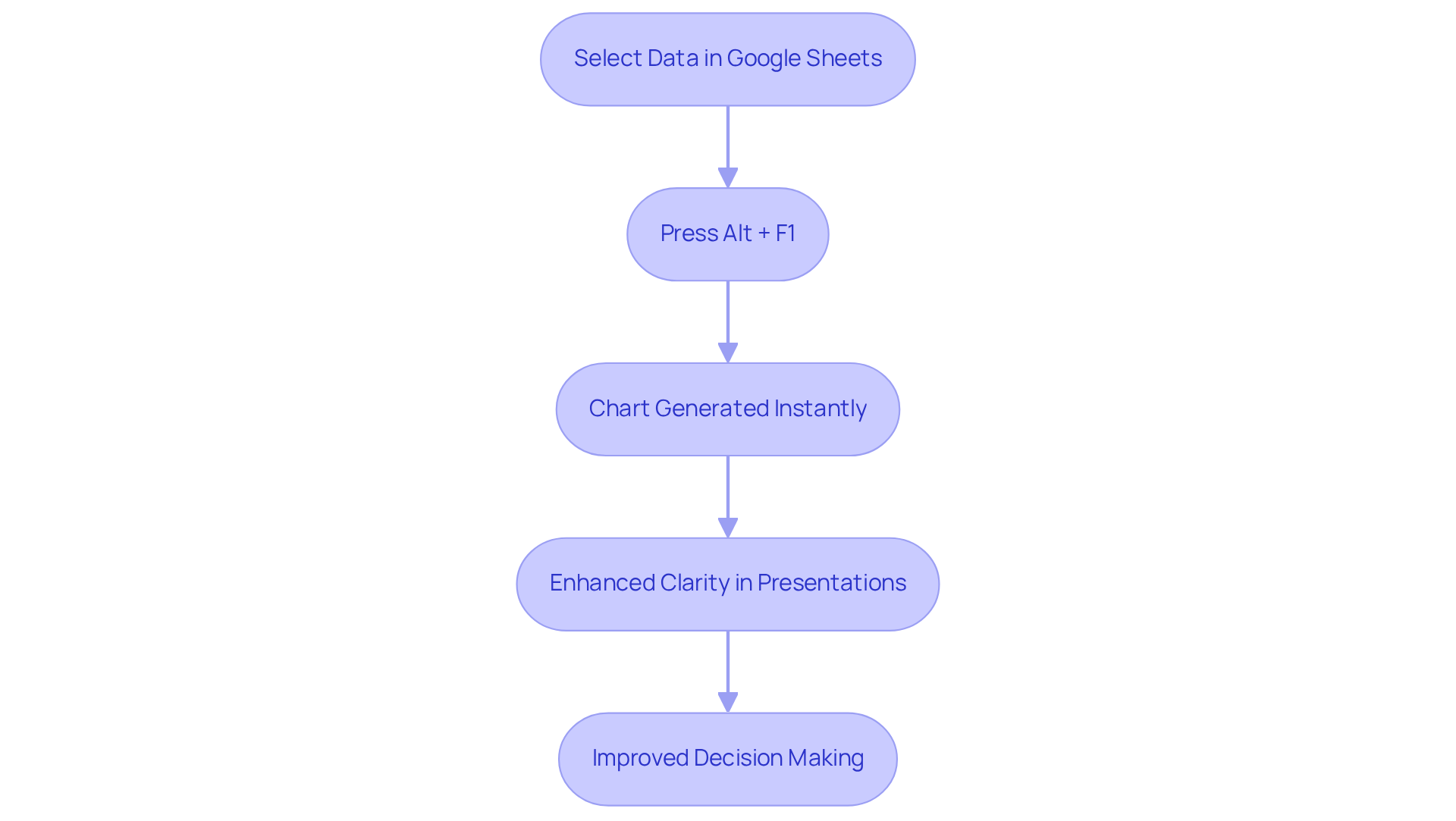
In Google Sheets, pressing Alt + F1 generates a chart from the selected data instantly. This feature streamlines the visualization process, particularly for financial professionals. The ability to quickly convert raw data into visual insights is crucial for effective communication of financial analyses. Rapid chart generation enhances the clarity of presentations and reports, allowing financial experts to convey intricate information concisely.
As the demand for swift information interpretation grows, leveraging such shortcuts becomes essential for delivering meaningful financial insights. Effective visualization empowers teams to act on facts rather than assumptions, underscoring the significance of rapid chart creation in making informed business decisions.
As a financial expert aptly noted, "The capability to interpret information rapidly is crucial for making prompt and precise monetary decisions." This highlights the necessity of incorporating tools that facilitate quick and accurate data representation.
ShortieCuts: Enhance Charting Capabilities in Google Sheets
ShortieCuts significantly enhances the charting capabilities within Google Sheets, empowering users to create and customize charts effortlessly. By mirroring Excel's sophisticated charting features, it allows professionals in the financial sector to tailor their visual representations, effectively communicating complex information. This level of customization is essential for presenting analyses clearly and impactfully, ensuring insights are not only accessible but also engaging.
The ability to manipulate charts swiftly enhances user satisfaction, enabling specialists to focus on delivering actionable insights rather than being constrained by technical limitations. As noted by industry leaders, effective information visualization is crucial for informed decision-making, and ShortieCuts facilitates this process seamlessly within Google Sheets.
Moreover, the customization features of ShortieCuts enable finance professionals to adjust their reports according to the audience's needs, thereby improving the overall effectiveness of their presentations. This adaptability is crucial in a field where the clear communication of complex data can significantly influence decision-making.

Conclusion
Mastering essential shortcuts in Excel and Google Sheets can dramatically enhance the productivity of finance professionals. By incorporating these efficient techniques into daily workflows, users can navigate spreadsheets with greater ease, streamline repetitive tasks, and focus more on analysis rather than manual entry. The integration of tools like ShortieCuts not only mirrors familiar Excel functionalities but also fosters a smoother transition for those accustomed to the Excel environment.
Key shortcuts such as:
- Inserting rows
- Formatting cells
- Switching between sheets
- Summing selected cells
are instrumental in optimizing workflow. Each shortcut serves a specific purpose, empowering finance experts to save time and improve accuracy in their tasks. The benefits of utilizing keyboard shortcuts extend beyond mere convenience; they cultivate a more organized and efficient approach to financial data management.
In a fast-paced financial landscape, leveraging these shortcuts is essential. Embracing tools like ShortieCuts can lead to significant productivity gains, enabling professionals to deliver insights more effectively. By adopting these strategies, finance experts can enhance their operational efficiency, ensuring that they remain agile and responsive in a data-driven environment. The time to elevate spreadsheet skills is now; integrating these shortcuts could be the key to unlocking new levels of productivity and success.
Frequently Asked Questions
What is ShortieCuts and how does it benefit users?
ShortieCuts is a Chrome extension that integrates over 300 Excel-style key combinations into Google Sheets, enhancing productivity for finance professionals by allowing them to execute tasks swiftly and minimizing the learning curve associated with new commands.
How does ShortieCuts impact productivity?
Users have reported a 30% improvement in productivity when using ShortieCuts, as it allows them to leverage their existing knowledge of Excel commands to navigate Google Sheets effortlessly.
What features does ShortieCuts offer to enhance workflow?
ShortieCuts provides quick access to essential functions like formula tracing and goal seeking, along with a user-friendly color palette that aids in keyboard-only navigation, optimizing the workflow for users.
How can users insert a new row in Google Sheets using ShortieCuts?
To insert a new row, users can press Ctrl + Shift + +. This method streamlines the process of adding rows and helps maintain workflow during revisions.
What is the significance of using keyboard techniques in Google Sheets for finance professionals?
Research indicates that finance professionals can save an average of 30% of their time on entry tasks by using keyboard techniques, significantly enhancing overall efficiency and minimizing interruptions.
How does the Ctrl + 1 shortcut function in Google Sheets?
Pressing Ctrl + 1 activates the Format Cells dialog in Google Sheets, enabling users to customize the presentation of their data, which is essential for organizing numbers, dates, and text in financial reports.
Why is effective formatting important for financial professionals?
Effective formatting helps maintain consistency across spreadsheets and ensures that critical information stands out, allowing professionals to focus more on analysis rather than presentation.