

Introduction
Google Finance attributes are the backbone of the GOOGLEFINANCE function in Google Sheets, delivering essential financial data that empowers users to conduct in-depth market analysis. These attributes enable finance professionals to automate data retrieval, which not only saves time but also enhances the accuracy of financial reporting.
As the demand for real-time insights continues to grow, users face the challenge of navigating the limitations and complexities of these attributes. How can they effectively optimize their investment strategies? By understanding and leveraging these attributes, users can unlock the full potential of their financial analysis, ensuring they stay ahead in a competitive market.
Defining Google Finance Attributes
Google Finance attributes are crucial components of the GOOGLEFINANCE function in Google Sheets, allowing users to access a vast range of financial data. The google finance attributes provide both real-time and historical insights into stocks, mutual funds, and currencies, significantly enhancing analytical capabilities. Key features of the google finance attributes include:
- 'price', which shows the current stock price
- 'marketcap', representing market capitalization
- 'tradetime', indicating the last trade time
- 'priceopen'
- 'high'
- 'low'
- 'volume'
- 'pe'
- 'eps'
By specifying these parameters, finance professionals can customize the data they import into their spreadsheets, leading to more precise financial analysis.
The importance of the GOOGLEFINANCE function is underscored by its widespread use among finance experts for accessing google finance attributes. Many professionals highlight that the google finance attributes of this function automate data collection, saving valuable time in financial reporting and analysis. For instance, using the formula =GOOGLEFINANCE('NASDAQ:GOOG', 'price') allows users to quickly access the current price of Google stocks, streamlining their workflow. Moreover, monitoring a stock portfolio through GOOGLEFINANCE is free, potentially saving individuals thousands of dollars each year.
Real-world applications demonstrate the versatility of google finance attributes. A finance professional might employ =GOOGLEFINANCE('AAPL', 'marketcap') to retrieve Apple's market capitalization or =GOOGLEFINANCE('Currency:USDEUR', 'price') to monitor the exchange rate between the US dollar and the Euro. However, users should be aware of the limitations of the GOOGLEFINANCE function, such as its lack of support for dividend information and potential delays in data retrieval, which are important google finance attributes. These capabilities not only facilitate efficient portfolio management but also empower users to make informed investment decisions based on current economic data. As finance experts assert, "GOOGLEFINANCE can automate information retrieval to save you significant time," highlighting its critical role in economic analysis.

Context and Importance of Google Finance Attributes
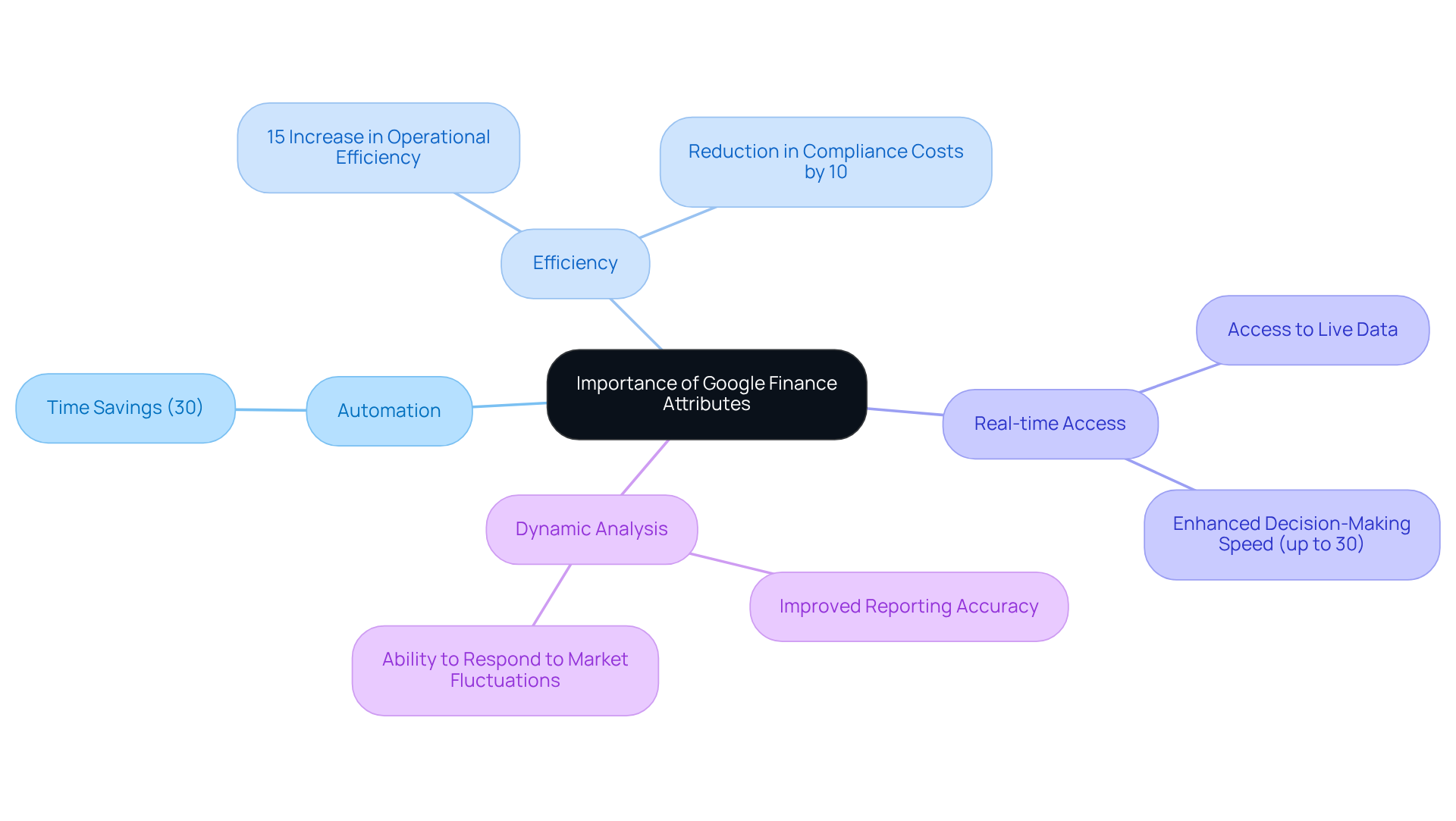
Google Finance attributes are vital for the financial ecosystem, especially for professionals tasked with analyzing market trends and making informed investment decisions. Integrating Google Finance attributes into Google Sheets allows users to automate the retrieval of crucial information, drastically cutting down the time spent on manual updates.
This automation is not just a convenience; it’s essential for finance professionals, analysts, and investors who rely on timely data to shape their strategies. Imagine accessing real-time information directly within a spreadsheet - this capability not only boosts productivity but also enhances accuracy in reporting and analysis.
Statistics reveal that finance experts can save significant time - up to 30% - by utilizing automated information retrieval techniques. This efficiency enables them to focus on strategic decision-making rather than mundane data entry tasks. Furthermore, incorporating Google Finance attributes fosters a more dynamic approach to analysis, empowering individuals to respond swiftly to market fluctuations and refine their investment strategies.
Historical Development of Google Finance Attributes
The GOOGLEFINANCE function was introduced as part of Google Sheets, providing users with a seamless way to access financial information without leaving the spreadsheet environment. Over the years, Google has expanded the range of features available, responding to the growing demand for comprehensive data. Initially, the function focused on basic stock prices, but it now includes various Google Finance attributes such as:
- 'high'
- 'low'
- 'volume'
- 'pe' (price-to-earnings ratio)
This evolution mirrors the increasing need for real-time information and the complexity of financial analysis, empowering users to perform more sophisticated evaluations directly within their spreadsheets.
However, it's important to note that a change implemented on September 27, 2016, limited the ability to download historical data or access it outside Google Sheets. This restriction can result in '#N/A' errors for users attempting to retrieve this information. To effectively utilize the GOOGLEFINANCE function for historical data, users must follow a specific syntax:
=GOOGLEFINANCE(ticker, [characteristic], [start_date], [end_date], [interval])
For instance, to obtain historical stock prices, one could use the formula:
=GOOGLEFINANCE('AAPL', 'close', DATE(2024,5,20), TODAY())
This practical application demonstrates how the Google Finance attributes have evolved to cater to the needs of finance professionals seeking detailed insights directly within their spreadsheets.

Key Characteristics and Functionalities of Google Finance Attributes
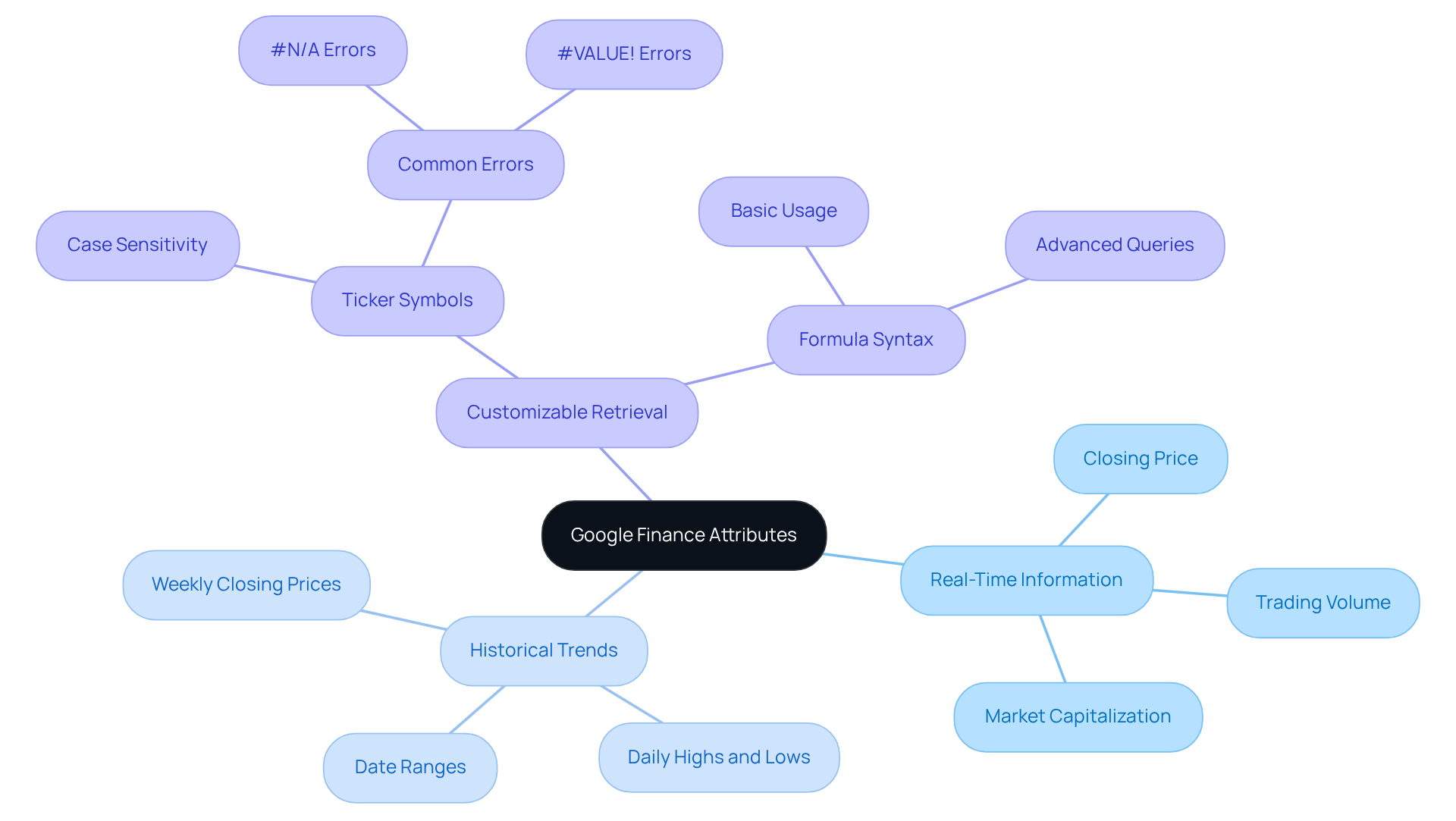
The ability to deliver real-time information, historical trends, and customizable information retrieval is what makes the Google Finance attributes stand out. Users can specify Google Finance attributes to retrieve specific information, such as 'close' for the closing price or 'volume' for trading volume. Moreover, the GOOGLEFINANCE function facilitates historical data retrieval by allowing users to specify date ranges, enabling a thorough analysis of trends over time. This flexibility is crucial for creating dynamic financial models and reports.
For instance, a finance professional can utilize the 'price' attribute and 'marketcap' attribute from Google Finance attributes to track stock performance and assess company size, which significantly enhances comprehensive investment analysis. It's essential to recognize that ticker symbols are case-sensitive; using lowercase letters can lead to mistakes in information retrieval. Additionally, common errors, such as incorrect ticker usage, can result in issues like #N/A or #VALUE! errors.
With 93% of global C-level executives relying heavily on monetary modeling for strategic decision-making, the use of Google Finance attributes to tailor information retrieval in Google Sheets greatly improves the analytical capabilities of finance professionals. This empowers them to make informed investment choices. However, users must also be aware of the limitations of GOOGLEFINANCE, particularly regarding historical information access via the Sheets API or Apps Script. Furthermore, with 88% of spreadsheets used for financial modeling containing critical errors, accurate data retrieval through GOOGLEFINANCE is vital for mitigating such issues.
Conclusion
Understanding Google Finance attributes is essential for anyone involved in financial analysis and investment decision-making. These attributes serve as powerful tools within the GOOGLEFINANCE function in Google Sheets, enabling users to access a broad spectrum of financial data with ease. By leveraging these attributes, finance professionals can enhance their analytical capabilities, streamline their workflows, and make more informed investment choices.
Key attributes such as 'price', 'marketcap', and 'tradetime' play crucial roles in automating data collection and facilitating real-time analysis. Their historical development illustrates how they have evolved to meet the growing demands of finance professionals. The integration of Google Finance attributes not only saves time but also fosters a more dynamic approach to market analysis, allowing users to respond swiftly to changes in the financial landscape.
The significance of Google Finance attributes cannot be overstated. They empower users to conduct thorough analyses and make strategic decisions based on accurate, up-to-date information. As the financial environment continues to evolve, embracing these tools will be crucial for professionals seeking to maintain a competitive edge. Utilizing Google Finance attributes effectively can transform the way financial data is accessed and analyzed, ultimately leading to more successful investment outcomes.
Frequently Asked Questions
What are Google Finance attributes?
Google Finance attributes are components of the GOOGLEFINANCE function in Google Sheets that allow users to access a wide range of financial data, including real-time and historical insights into stocks, mutual funds, and currencies.
What key features do Google Finance attributes include?
Key features include 'price' (current stock price), 'marketcap' (market capitalization), 'tradetime' (last trade time), 'priceopen', 'high', 'low', 'volume', 'pe' (price-to-earnings ratio), and 'eps' (earnings per share).
How do Google Finance attributes enhance financial analysis?
By specifying these attributes, finance professionals can customize the data imported into their spreadsheets, leading to more precise financial analysis and decision-making.
Why is the GOOGLEFINANCE function important for finance professionals?
The GOOGLEFINANCE function is widely used among finance experts for automating data collection, saving time in financial reporting and analysis, and enabling efficient portfolio management.
Can you provide an example of how to use the GOOGLEFINANCE function?
An example would be using the formula =GOOGLEFINANCE('NASDAQ:GOOG', 'price') to quickly access the current price of Google stocks.
What are some real-world applications of Google Finance attributes?
A finance professional might use =GOOGLEFINANCE('AAPL', 'marketcap') to retrieve Apple’s market capitalization or =GOOGLEFINANCE('Currency:USDEUR', 'price') to monitor the exchange rate between the US dollar and the Euro.
Are there any limitations to the GOOGLEFINANCE function?
Yes, the GOOGLEFINANCE function does not support dividend information and may have potential delays in data retrieval, which users should be aware of.
How can Google Finance attributes assist in investment decisions?
They facilitate efficient portfolio management and empower users to make informed investment decisions based on current economic data.